Prism
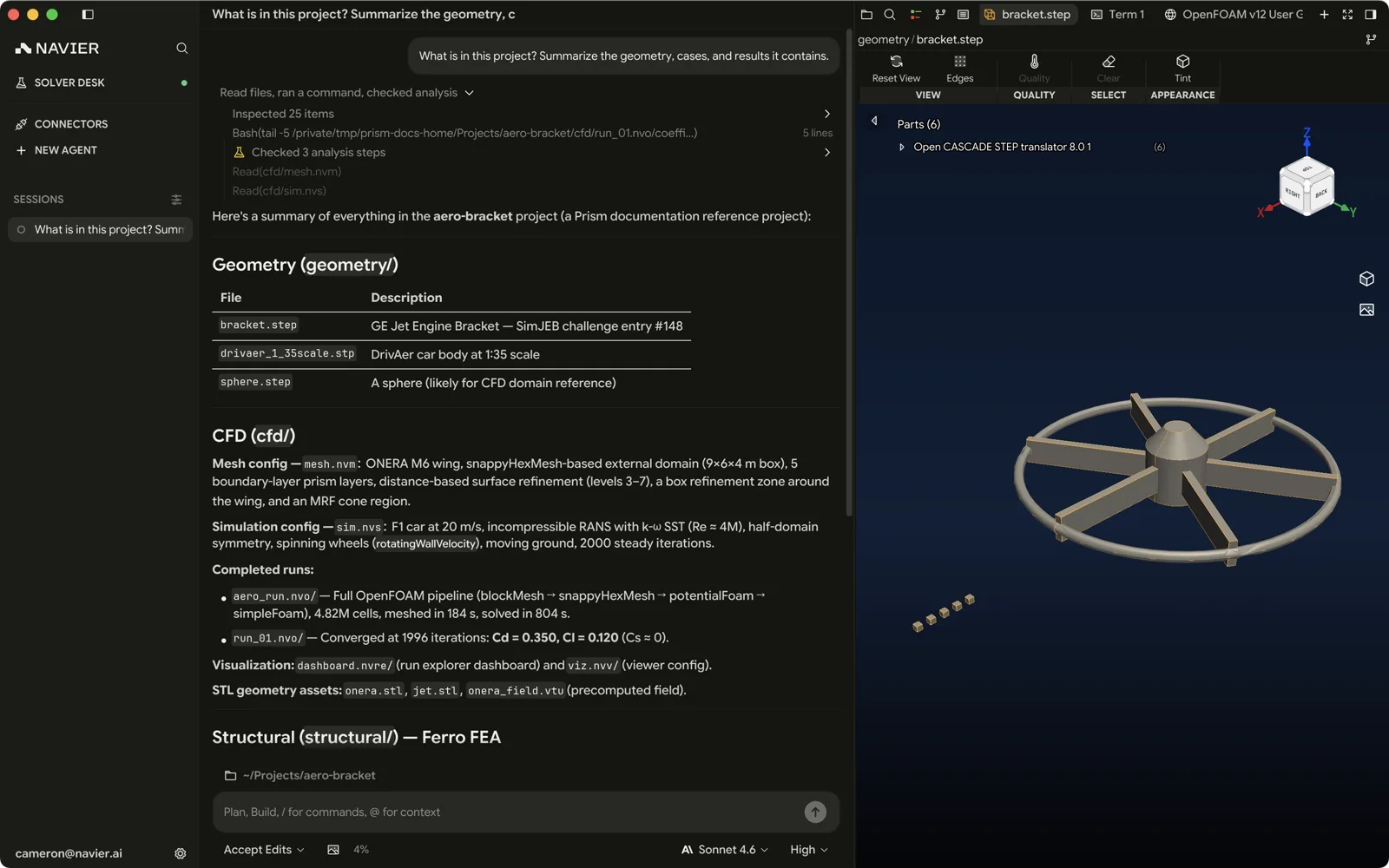
Prism is Navier AI's desktop engineering workstation. It puts an engineering agent, a code editor, a 3D viewport, and a local solver runtime in one window, running on your machine against your files — no upload step, no browser tab, no separate results portal.
Where the web application is a hosted CFD workspace you drive through a browser, Prism is a native application you install. Your geometry, meshes, cases, and results stay on local disk. The agent works in the same directory you do, and the solvers it starts are containers running on your own CPU.
What it is for
Prism is built around a single loop: describe the engineering task, watch the agent do it, review what changed. That loop covers work that would otherwise be spread across a CAD package, a meshing tool, a text editor, a terminal, and a post-processor.
| You want to | In Prism |
|---|---|
| Understand a geometry you were handed | Open the STEP or STL and ask the agent what it is looking at |
| Set up a structural analysis | Describe the loads and constraints; the agent authors the case and solves it |
| Run an OpenFOAM case | Point the agent at the case directory; it installs the runtime and runs it |
| Compare a batch of runs | Build a run-explorer dashboard over the run outputs |
| Produce a report | Ask for a rendered document with the figures embedded |
How it is put together
Three things sit behind the window:
- The agent. A tool-using assistant with file, shell, search, browser, and solver tools, plus skills that teach it specific engineering workflows. It is gated by a permission mode you control.
- Bundled solvers. Ferro, Navier AI's structural FEM solver, is compiled into Prism itself — no install, no license server. See the Ferro documentation for the solver's own reference.
navier-solverd. A local daemon Prism ships and supervises, which installs and runs third-party solvers as containers. It runs detached, so closing Prism does not kill a solve.