Threads & Workspaces
A thread is one conversation with the agent. A workspace is the folder that conversation is about. Everything in Prism hangs off that pair — which files the agent can touch, what the right pane shows, which git repository the diff is against.
Grounded and ungrounded threads
A thread with a workspace folder is grounded. A thread without one is ungrounded, and it is deliberately limited:
| Ungrounded | Grounded | |
|---|---|---|
| Chat with the agent | Yes | Yes |
| Read and edit files | No | Yes |
| Run shell commands | No | Yes |
| Right pane (editor, diff, terminal) | Unavailable | Available |
| Git integration | — | If the folder is a repository |
| Solver runs | No | Yes |
Prism starts on an ungrounded scratch thread so you can ask a question without committing to a directory first. As soon as you want work done on files, ground it.
Attaching a workspace
Two ways, equivalent in the end:
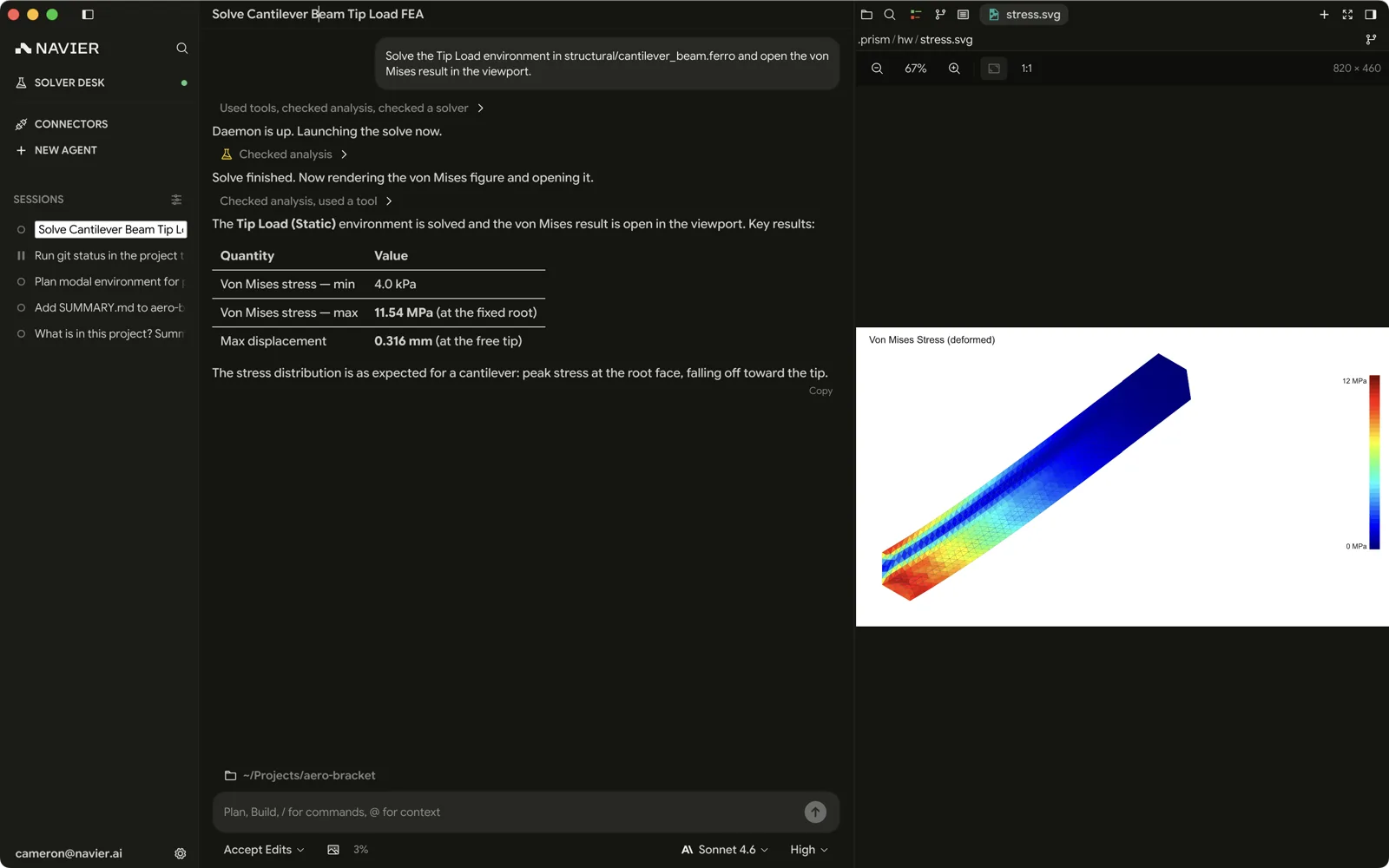
- The folder chip in the composer — reading Pick a folder to continue while the thread is ungrounded. Clicking it lists your recent projects, newest first. Type to filter, ↑/↓ to move, Enter to pick, Esc to close. Open Folder… is the last row and goes to the system picker, as does a first run with no recents. Once the thread has messages — or on a worktree thread, whose checkout is fixed — the chip copies the workspace path instead of re-picking it.
- ⇧⌘O / Ctrl+Shift+O — starts a new thread and opens the picker. If the current thread is empty it reuses it rather than leaving an empty thread behind.

Pick the directory that is the natural root of the work — the repo root, the project folder, the directory holding your case files. Picking a parent that is too broad slows down search; picking a subdirectory too narrow means the agent cannot see files it needs.
Choosing a good root
The workspace root sets the boundary for file reads, edits, search, and shell commands. A few rules of thumb:
- A git repository root is almost always right if the work is in a repo. You get the branch, per-file status, the diff view, and the option of isolating work in a worktree.
- A case directory works well for one-off solver work — an OpenFOAM case, a folder of STEP files.
- Your home directory is a bad root. Search becomes slow and the agent has far more surface area than the task needs.
Working with threads
| Action | How |
|---|---|
| New thread | ⌘N / Ctrl+N |
| New thread with a fresh workspace | ⇧⌘O / Ctrl+Shift+O |
| Switch thread | Click it in the sidebar |
| Find a thread | Search in the sidebar, or ⌘K / Ctrl+K |
| Rename thread | Click the title in the title bar and type |
| Delete thread | Right-click it in the sidebar → Delete |
| Show/hide the sidebar | ⌘B / Ctrl+B |
Deleting the thread you are in moves you to the nearest surviving thread in the same project and section — the next row down, or the one above if it was the last. Deleting every thread in a project leaves you on a fresh draft already grounded there, rather than on some unrelated thread from another folder. A multi-row selection — Delete N agents — works the destination out once, before it deletes anything.
A deleted thread goes from the agent service too. One that cannot be removed there stays hidden here, and Prism retries it the next time it loads your threads.
Search in the sidebar opens the command palette, which lists your threads among everything else; its Agents pill narrows it to threads alone. An empty query offers the five most recently active; type to reach the rest. Each row carries its age and, for a thread rooted anywhere other than the folder you are in, the name of the folder it runs in. Picking one switches to it and puts the cursor in its composer. The palette orders by any activity, so its order can differ from the sidebar's.
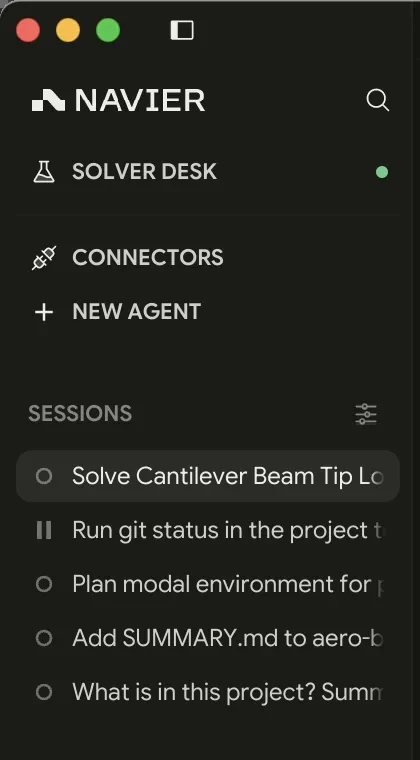
Each sidebar row carries its age at the right edge — now, 14m, 3h, 2d, 5mo —
measured from your last message in that thread. The Date groups bucket on
the same stamp, and so does Sort by → Recency, so agent output alone never
reorders the list: a long solve reporting back leaves a thread where your own
last message put it. The unread dot and the command palette still follow any
activity.
When the sidebar is grouped by Project or Date, each group initially shows eight threads. Select Show more to reveal the rest of that group; ungrouped threads are not capped this way.
Drag an ordinary agent row to reorder it within its current Project or Date group. Drop it between rows or at the end of the group; Prism remembers the order. Pinned and Archived sections keep their own ordering rules.
Threads persist across restarts, with their transcripts. Closing Prism in the middle of a conversation and reopening it later picks up where you left off.
If you type into a new scratch thread and leave it without sending, New Chat resumes the newest hidden draft. Sent drafts are cleared, so they do not reappear on a later New Chat.
When to start a new thread
Start a new one whenever the subject changes. A thread carries its whole transcript as context, which is what makes follow-up questions work — and also what makes an unfocused thread progressively worse at everything.
Good reasons to start fresh:
- Different part, assembly, or case.
- Different kind of work (setting up a mesh vs. writing a report).
- The current thread went down a wrong path and you would rather not have that reasoning in context.
- The thread has been running a long time and answers are getting vaguer.
Good reasons to stay:
- Follow-up questions on the same analysis.
- Iterating on a result the agent just produced.
- Anything where the agent's earlier reads and reasoning are still relevant.
Threads and the workspace state
Everything the agent did in a thread is tracked against that thread, not globally:
- The diff in the right pane is the thread's change set.
- If the thread uses a git worktree, the isolation is per thread — see Reviewing Changes.
- Permission decisions you make apply to the session, and your shell allowlist is shared across threads.
Two threads on the same workspace edit the same files. Prism does not sandbox them from each other, so if you want genuinely parallel work on one repository, put each thread in its own worktree.