Documents & Media
Engineering work is not only geometry and cases. Specifications arrive as PDFs, reviews go out as slide decks, notes are markdown, and test data arrives as photographs. Prism opens all of it in place, so the agent and you are looking at the same thing.
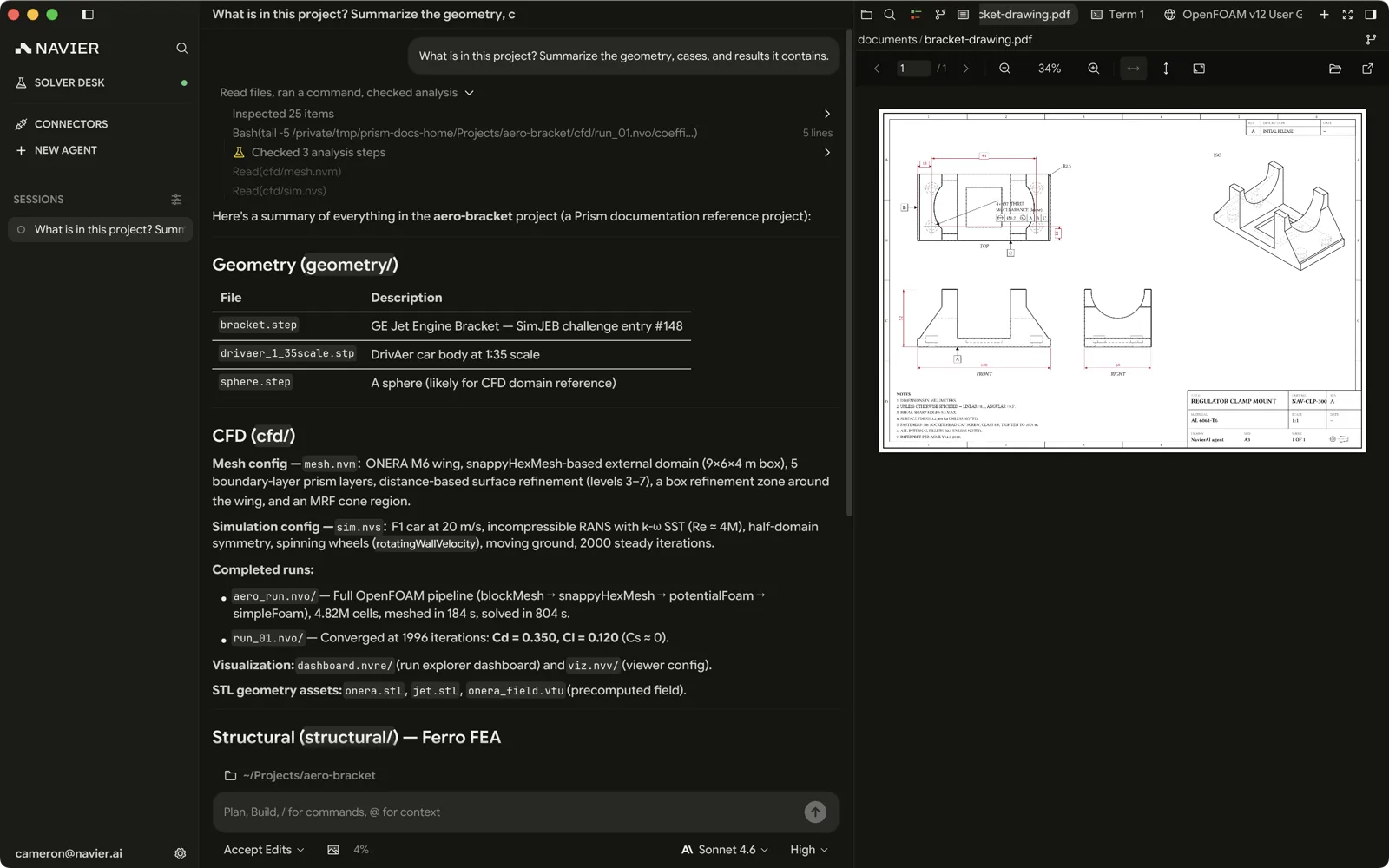
.pdf files open in a document viewer with page navigation. Rendering is done
with PDFium, which ships with Prism — Settings → About reports whether it
resolved.
This is what makes "read section 4 of the spec and set the case up accordingly" a reasonable thing to ask: the document is in the workspace, so the agent can read it and you can check it against the same pages.
Slide decks and Word documents
.pptx, .ppsx, and .docx open in the same viewer the PDFs above use, with
an overview rail down the side and page or slide navigation. Prism gets there
by converting the file to PDF and handing the result to the bundled PDFium —
one raster stack, not two.
That conversion needs an engine, and it is the one thing here you install yourself:
| Platform | Engine |
|---|---|
| Windows | Microsoft PowerPoint or Word if installed, otherwise LibreOffice |
| macOS, Linux | LibreOffice |
Office leads on Windows because the application that authored the format renders it exactly where LibreOffice re-implements it. Without any engine the file reports what to install for the platform you are on, rather than opening blank — see Environment Setup. A PDF of the same content needs no converter.
Conversions are cached per file, keyed by its path, size, modification time, and the engine that produced them, so only the first open of a document pays the few seconds it takes. A cached conversion is never served from a different engine than the one it was made with — the two substitute fonts differently.
Only the OOXML spellings are handled. Legacy .ppt and .doc are
a different reader, not a different extension, and do not open.
The agent can also create decks. The presentations skill writes a slide
plan and runs its own generator over it, with a set of layout archetypes rather
than a wall of text boxes. The output is a real 16:9 .pptx, editable in
PowerPoint or Keynote.
Markdown
.md, .markdown, .mdown, and .mkd open rendered rather than showing
source. The toggle for it sits at the right of the pane header, and its glyph
is the mode you are in: a page while the file is rendered, </> while it is
source. Clicking swaps them, and the tooltip says which way.
The mode is remembered per thread and per file, so a file you left as source in one thread comes back as source there, while the same file in another thread keeps that thread's mode.
A rendered page is a drawing, not an editable buffer: typing and ⌘S do nothing while it is up. The surfaces that need the text get it. The find bar and an agent edit's accept-or-reject overlay take the pane for as long as they are up, and the page comes back when they close — the header toggle still shows the mode you chose. Jumping to a line is the one that switches the pane for good, because the line is in the text. Find stays in the pane you searched, so ⌘F leaves a rendered markdown pane beside it as it is.
A markdown file of 512 KiB or more opens as source. Render it from the header toggle if you want the page.
Rendered markdown is the natural home for run notes, case READMEs, and the agent's own written summaries.
Images
.png, .jpg, .jpeg, .gif, .bmp, .webp, .ico, .tif, and .tiff
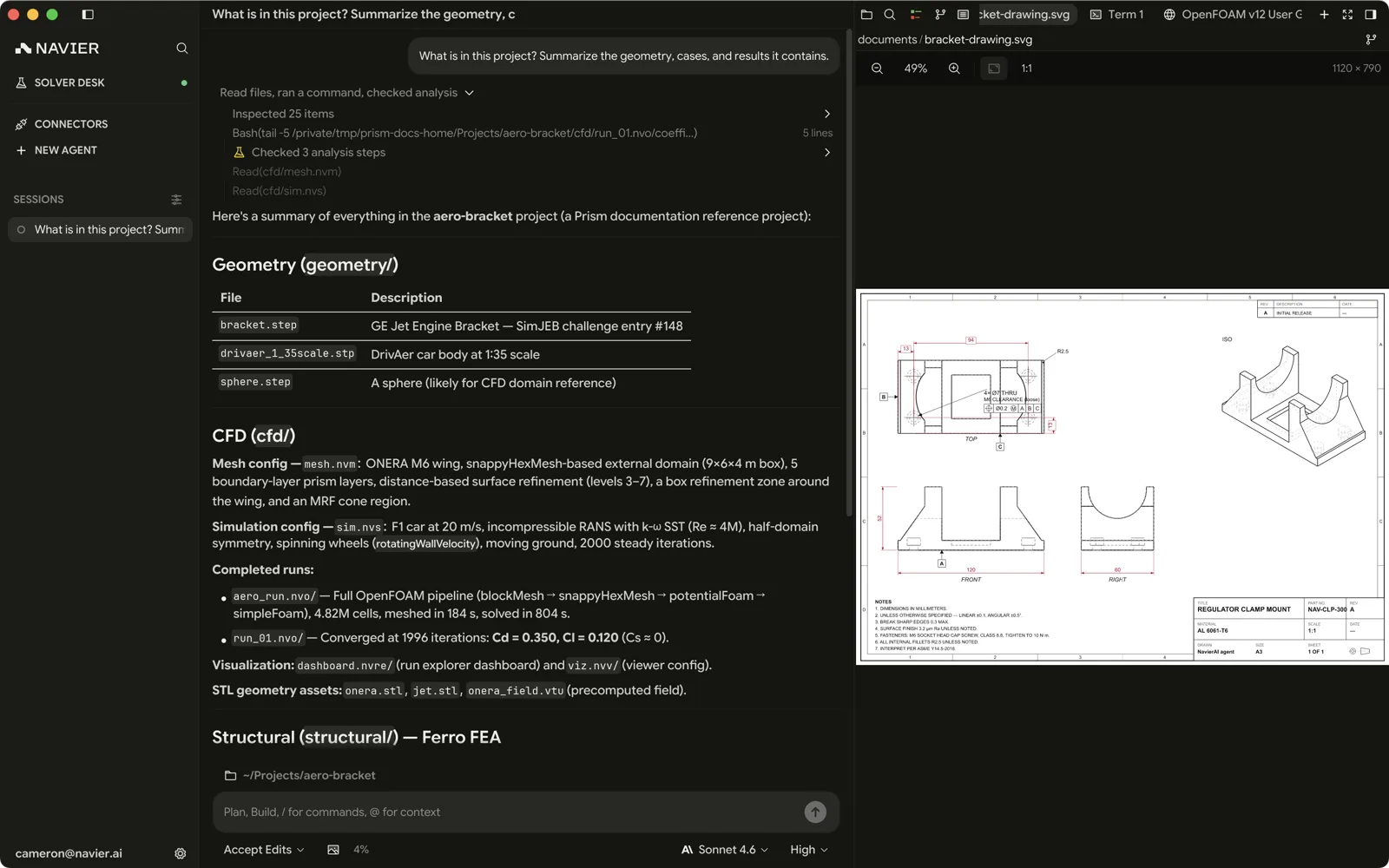
open in an image viewer. .svg has its own viewer — which matters because
generated drawings and plots come out as SVG.
You can also paste an image straight into the composer with ⌘V to attach it to a message — a photo of a test setup, a screenshot of a plot, a page from a standard.
Reports
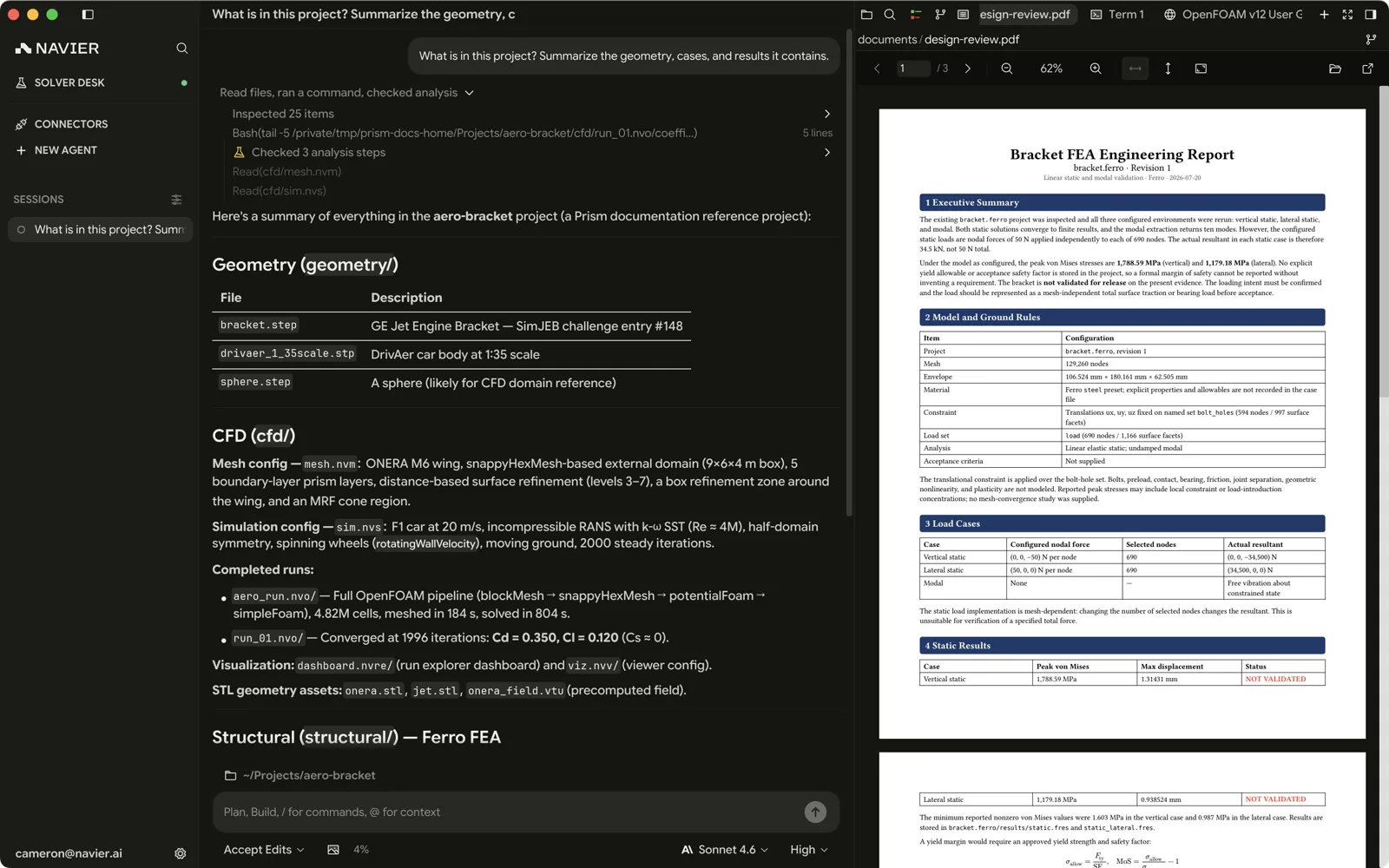
PDF reports created with external tools open in the PDF viewer. Prism does not generate design-review reports or controlled drawings from CAD.
Material libraries
.nmat files open in a material library viewer — the properties available to
your cases, in one browsable place rather than scattered through case files.
The embedded browser
For anything that is not a file — a supplier page, an online standard, a documentation site — the embedded browser puts it in the right pane. By default the agent's links open there rather than in your system browser; change that in Settings → Editor.
The embedded browser is not available on Linux builds, and the agent has no browser tools there either.
Binary and unknown files
Anything Prism has no viewer for opens in the text editor. Genuinely binary
content opens in a hex viewer instead, so a mis-click on a .bin does not fill
a pane with garbage.