File Types
Clicking a file in Prism opens it in the viewer for its type — not in a text editor with a "preview" button. A STEP file opens as geometry, a PDF opens as a document, a run output opens as results. Which viewer you get is decided purely by the file extension.
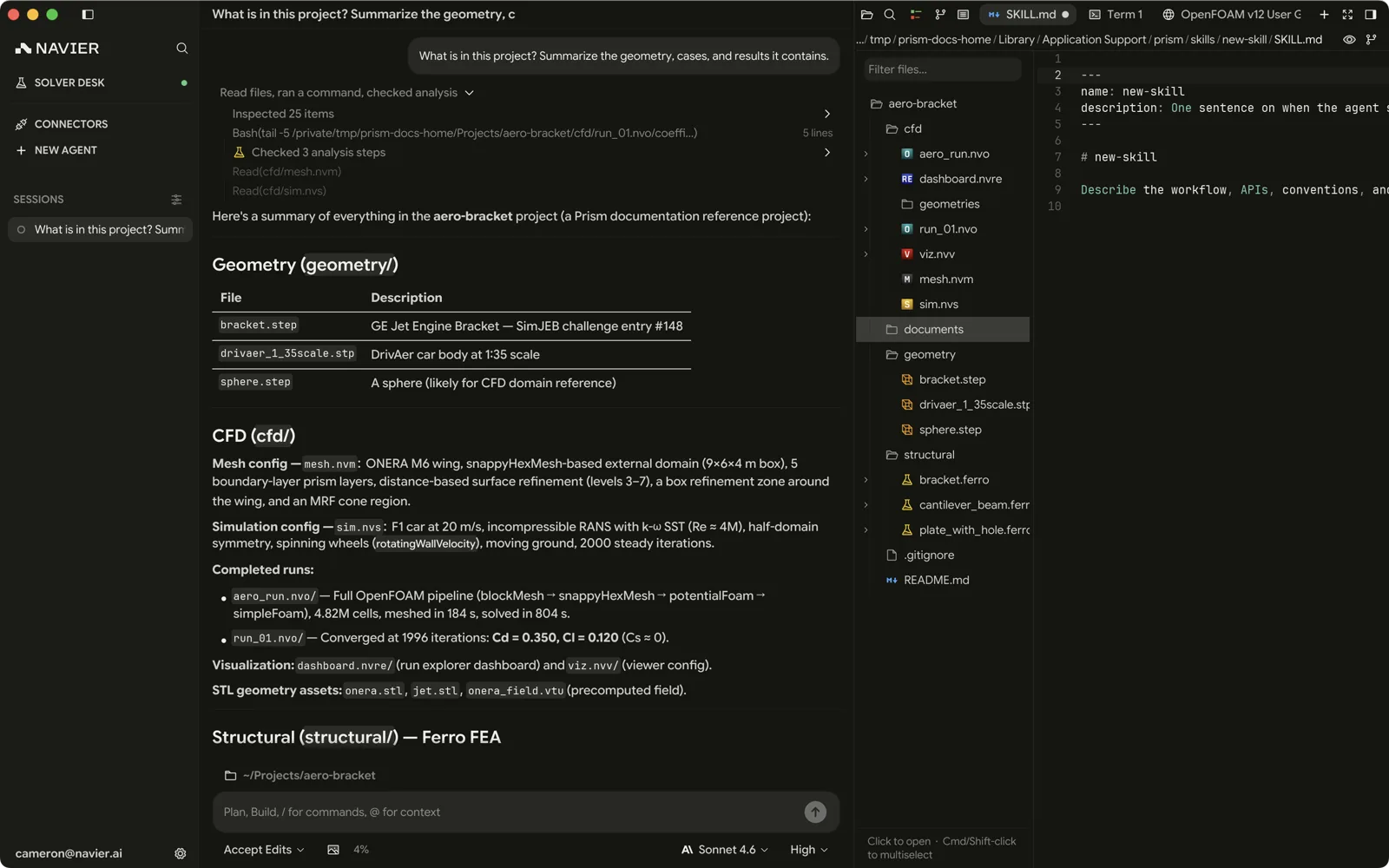
Geometry and meshes
| Extension | Opens as |
|---|---|
.stl, .obj, .glb, .gltf | Mesh viewer — surface geometry in the 3D viewport |
.step, .stp | CAD viewer, with the parts list in its rail |
.msh | Gmsh mesh viewer — inspection only, no solver |
Solver cases
| Extension | Solver | What it is |
|---|---|---|
.ferro/ | Ferro | Structural FEM case bundle (case.toml) |
Ferro is the only solver whose case is a single Prism bundle. Navier CFD cases are
the .nvm and .nvs pair below, and every other solver runs through the
Solver Desk, which takes that solver's own native
case — a directory or an input file, depending on the solver.
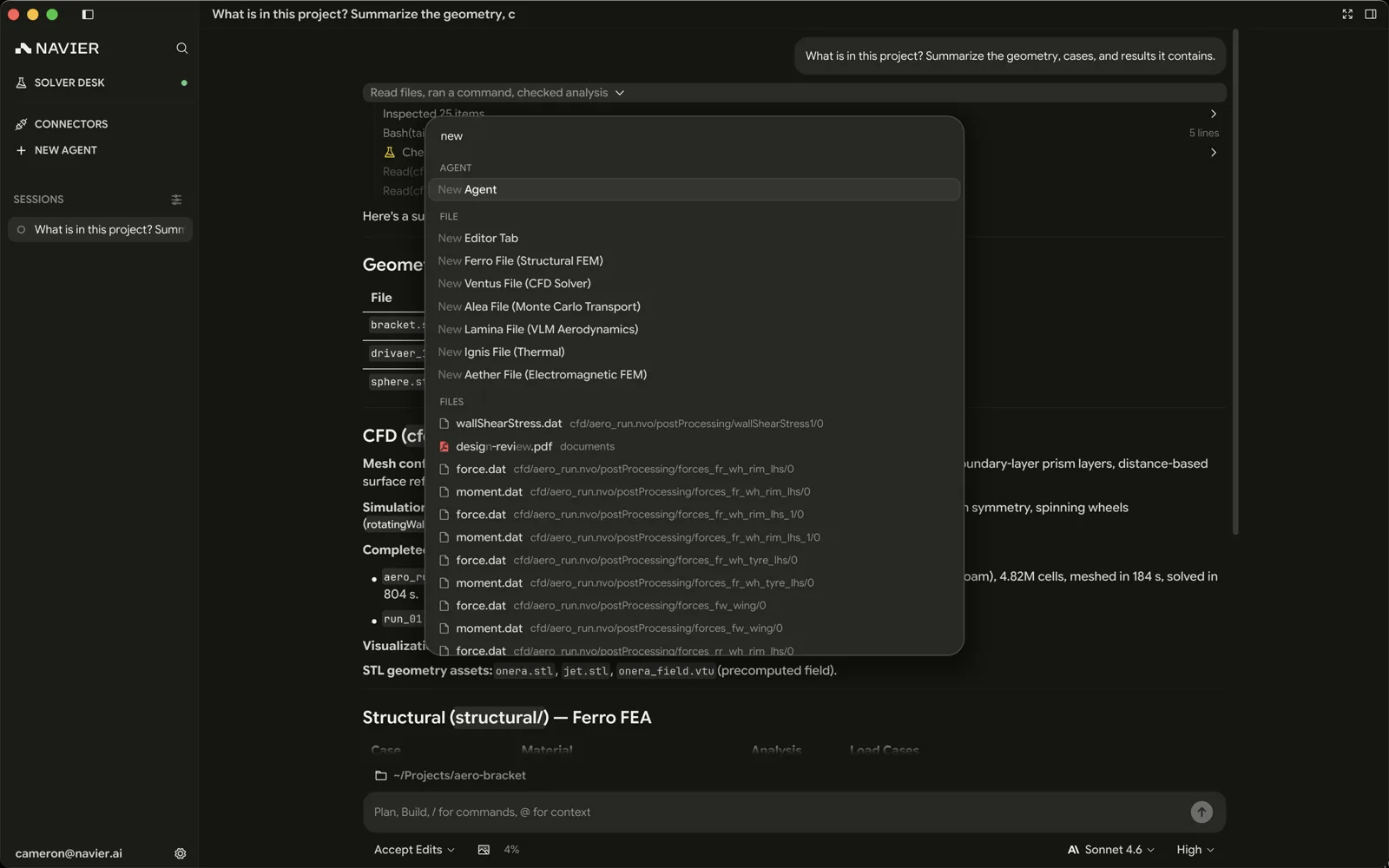
New Ferro Case in the command palette drops a starter bundle in place, and New NVPOST creates a post-processing view.
Navier CFD project files
The .nv* family is the same project model the web application uses, so a
case moves between the two.
| Extension | Editor | Purpose |
|---|---|---|
.nvm | Mesh editor | Mesh configuration — domain, refinement, layers |
.nvs | Solver editor | Solver configuration — turbulence, boundary conditions, materials |
.nvpost/ | Post-processing | An interactive 3D field view over a single case or dataset |
.nvo/ | Results viewer | Run output bundle, read-only |
.nvm and .nvs are TOML files with a structured visual editor and a raw
Code view, so you can click through the options or edit the TOML directly —
whichever is faster for the change you are making. .nvpost and .nvo are
directory bundles. An .nvpost opens as its 3D view; the document behind it
is a single nvpost_config.toml naming one source and one view over it,
edited by opening that file inside the bundle directory as plain TOML.
Older .nvre and .nvv bundles are retired. Opening one shows a migration
notice with the exact rename or reshape for that format; Prism will not save
the notice back over the old bundle. Use New NVPOST to create a view.
Results
| Extension | Opens as |
|---|---|
.vtu, .vtk, .pvtu, .pvd | VTU viewer — fields, colour maps, and a step at a time |
.frd | The same VTU viewer — CalculiX output |
.bode | Bode plot — frequency response |
.raw | ngspice rawfile viewer — vectors, measurements, magnitude, and phase |
.nvo/ | Navier run output bundle |
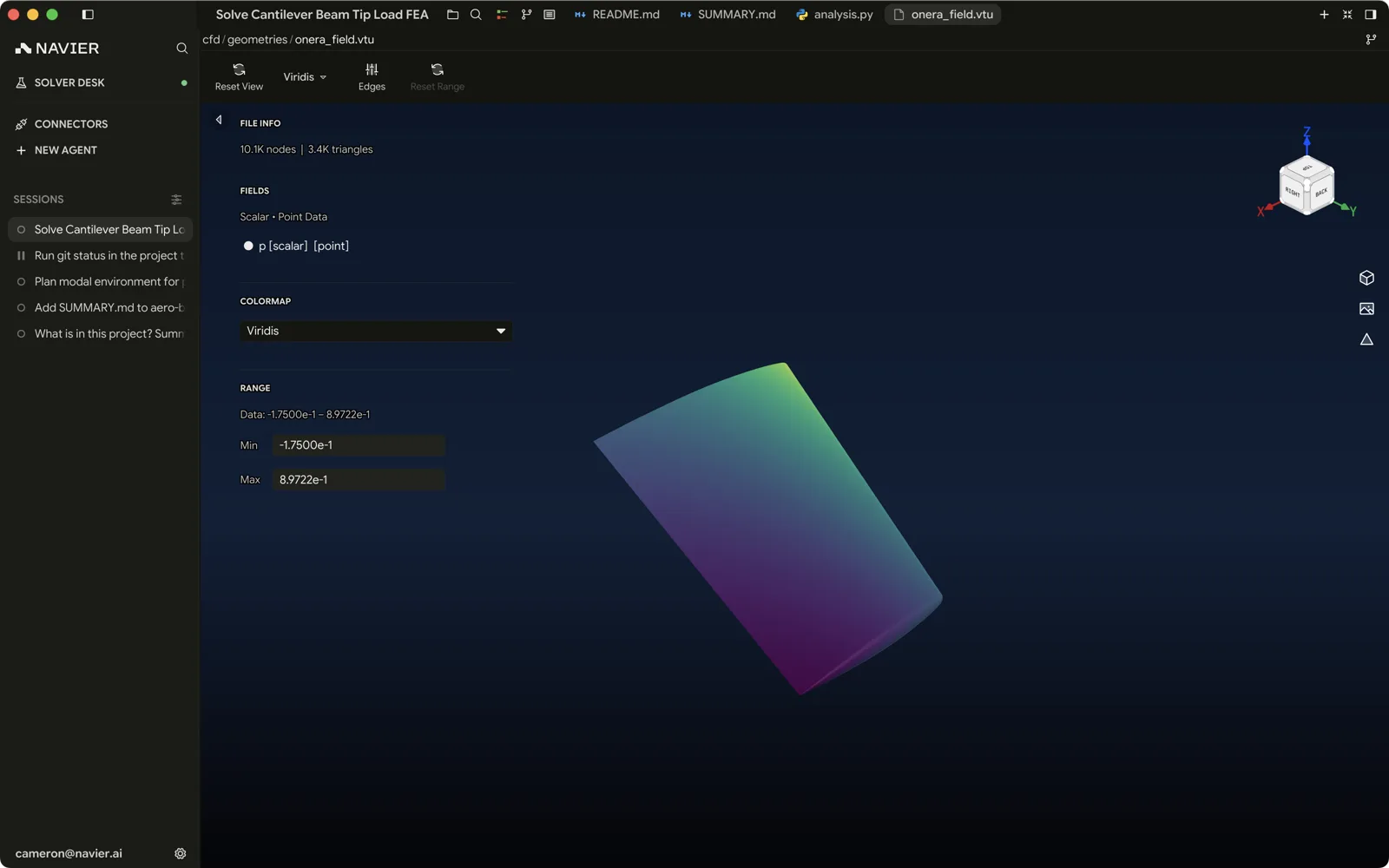
The VTU viewer paints one step at a time, undeformed, and carries no cutting
filters of its own; an .nvpost view over the same file is where a slice, a
clip or a warp lives. See
3D Viewport for its rail, its colour
scale, and stepping through a series.
Documents and media
| Extension | Opens as |
|---|---|
.md, .markdown, .mdown, .mkd | Rendered markdown |
.pdf | PDF viewer |
.pptx, .ppsx | Slide deck viewer — overview plus slide render |
.docx | Word document viewer — overview plus page render |
.png, .jpg, .jpeg, .gif, .bmp, .webp, .ico, .tif, .tiff | Image viewer |
.svg | SVG viewer |
See Documents & Media.
Other
| Extension | Opens as |
|---|---|
.nmat | Material library viewer |
.stella | Stellarust simulation viewer |
| Binary files | Hex viewer |
| Everything else | Text editor, with syntax highlighting and LSP support |
Opening files
| How | What it does |
|---|---|
| Click in the file explorer | Opens in the right pane |
| ⌘O / Ctrl+O | System file picker |
| Drag and drop onto the window | Opens the dropped file |
| Ask the agent | It calls prism_open_file and the pane switches to it |
Opening a file that is already open focuses the existing tab rather than duplicating it.
Split the editor (⌘\) to put a case file beside the geometry it references. The viewers are all live in their own panes, so a TOML edit on the left updates the 3D view on the right.